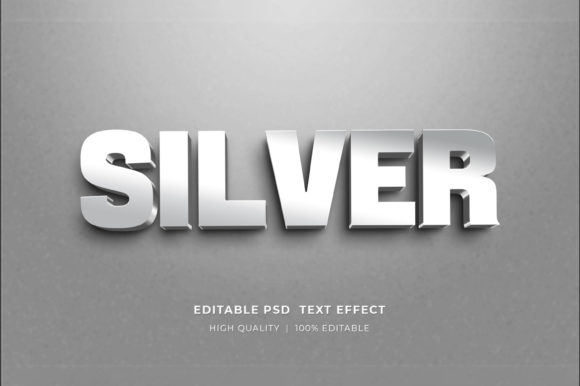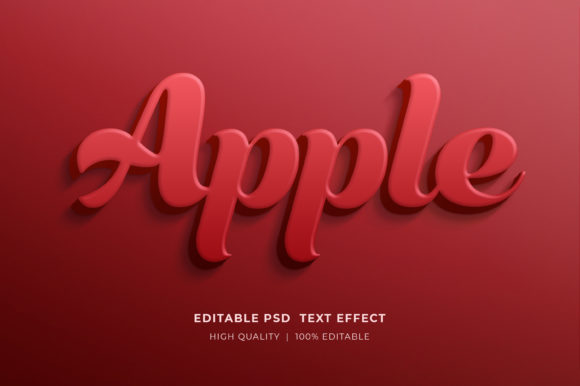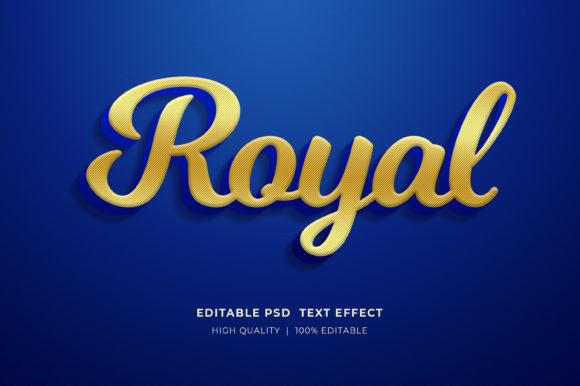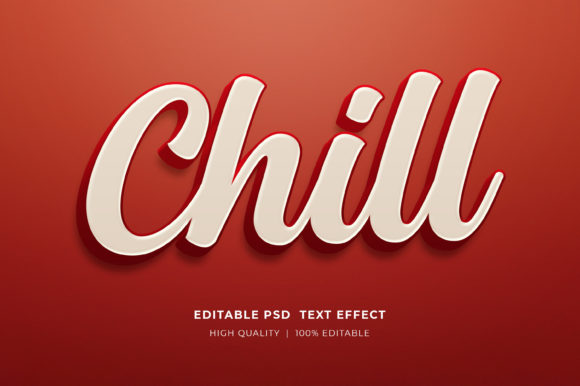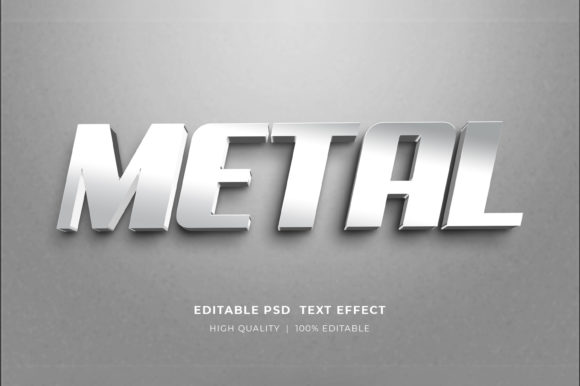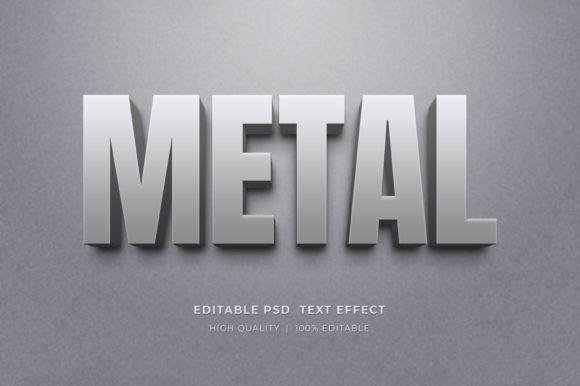
Mastering the Metal 3D Text Effect PSD Mockup for Professional Design
In the realm of digital graphic design, texture and depth are often the differentiating factors between a flat, forgettable layout and a compelling visual asset. The Metal 3D Text Effect PSD Mockup has emerged as a vital resource for designers seeking to infuse their projects with industrial elegance, modern sophistication, and tactile realism. Unlike standard two-dimensional typography, this editable 3D text style effect allows creators to simulate the reflective properties, shadows, and contours of metallic surfaces without requiring advanced knowledge of 3D modeling software or complex rendering engines.
For professionals and enthusiasts alike, understanding how to leverage this tool effectively can significantly streamline workflow while elevating the perceived value of marketing materials, brand identities, and digital content. This article explores the utility of these mockups, compares them to alternative design methods, and provides practical guidance on implementation.
Understanding the Value of Editable 3D Text Styles
A Metal 3D Text Effect PSD Mockup is essentially a pre-configured Adobe Photoshop file that utilizes smart objects to apply realistic lighting, shading, and texture maps to user-defined text. The primary advantage lies in its non-destructive editing capability. Designers do not need to manually paint highlights or calculate light sources; instead, the heavy lifting is done by layer styles and displacement maps embedded within the file.
This approach is distinct from creating metal effects from scratch. Traditionally, achieving a convincing chrome, brushed steel, or gold appearance requires a deep understanding of gradient maps, noise filters, and bevel and emboss settings. Even then, maintaining consistency across different words or phrases can be time-consuming. With a high-quality PSD mockup, the environment lighting and material properties are already calibrated. The user simply inputs their text, and the system automatically adapts the metallic finish to the new character shapes.
Comparison: Mockups vs. Native 3D Tools
When evaluating whether to use a Metal 3D Text Effect PSD Mockup or dedicated 3D software like Blender, Cinema 4D, or Adobe Dimension, it is essential to consider the project’s scope and the designer’s technical proficiency.
- Speed and Efficiency: PSD mockups are unparalleled for rapid prototyping. If a client needs to see five different taglines rendered in gold leaf within an hour, a smart object-based mockup is the superior choice. Native 3D tools require setting up cameras, lights, and materials for each variation, which is significantly slower.
- Learning Curve: Using a PSD mockup requires only basic familiarity with Adobe Photoshop. In contrast, true 3D rendering involves a steep learning curve regarding geometry, topology, and ray-tracing principles. For graphic designers who specialize in layout and branding rather than 3D animation, the mockup offers a lower barrier to entry.
- Realism and Flexibility: While modern PSD mockups are highly realistic, they are limited by the pre-set camera angle and lighting environment. If a project requires a dynamic camera movement or a completely custom lighting setup that interacts with other 3D objects in a scene, native 3D software is the necessary alternative. However, for static assets like posters, banners, and social media headers, the static nature of a mockup is rarely a limitation.
Practical Applications and Use Cases
The versatility of the Editable 3D Text Style Effect Mockup makes it suitable for a wide array of commercial and creative applications. Its ability to convey luxury, strength, or modernity through metallic textures aligns well with specific industry needs.
Marketing and Branding Materials
For corporate identity projects, metallic text often signifies premium quality. These mockups are ideal for creating logo presentations where a brand wants to showcase how their emblem might appear on physical signage, business cards, or packaging. The high-resolution output ensures that details remain crisp even when scaled for large-format printing.
Digital Content and Social Media
In the fast-paced world of social media, eye-catching visuals are crucial. Designers use these effects for Facebook timelines, Instagram posts, and web banners. The reflective nature of metal catches the eye as users scroll through feeds, increasing engagement rates. Because the files are optimized for RGB color spaces, they translate perfectly to screens without color shifting issues common in print-to-digital conversions.
Print-on-Demand and Merchandise
Entrepreneurs in the Print-on-Demand (POD) space frequently utilize these mockups for T-shirt designs and KDP (Kindle Direct Publishing) book covers. A metallic title on a book cover can suggest genres such as sci-fi, thriller, or high-end non-fiction. Similarly, T-shirt designs featuring chrome typography appeal to streetwear and modern fashion aesthetics. The ability to preview the design on a realistic background helps sellers create more compelling product listings.
How to Implement the Metal 3D Text Effect
One of the most appealing aspects of this resource is its user-friendly structure. Even those with intermediate Photoshop skills can achieve professional results by following a straightforward process. The key lies in the use of Smart Objects, which preserve the original data of the layer while allowing for transformations.
- Preparation: Begin by extracting the files. Since the download typically comes in a compressed zipped format, right-click the folder and select “Extract Here” to access the PSD files. Ensure you have Adobe Photoshop installed, as this is the required working file format.
- Opening the Smart Object: Open the main PSD file in Photoshop. Locate the layer designated for text input, usually labeled clearly in the layers panel. Double-click on the smart object thumbnail. This action opens a new tab containing the base text layer.
- Editing the Text: Select the Type Tool from the toolbar. Click on the existing placeholder text and replace it with your desired wording. You can adjust the font, size, and kerning here. It is advisable to use bold, thick fonts for metal effects, as thin strokes may lose detail when the 3D bevels and reflections are applied.
- Saving and Updating: Once satisfied with the text, save the smart object file (Ctrl+S or Cmd+S). Return to the main document tab. The mockup will automatically update, wrapping the new text in the metallic texture, shadows, and highlights defined by the master file.
- Customization: Most well-organized mockups allow for further customization. You can often adjust the hue/saturation to change the metal from silver to gold, copper, or rose gold. Additionally, background elements can be modified to suit the specific context of your project, whether it be a dark studio setting for a dramatic look or a bright environment for a clean aesthetic.
Evaluating Quality: What to Look For
Not all mockups are created equal. When selecting a Metal 3D Text Effect PSD Mockup, several factors determine its utility and professional viability.
Resolution and Color Depth: High-resolution files (typically 300 DPI) are essential for print projects. Ensure the mockup supports RGB color modes for digital use but retains enough detail for CMYK conversion if necessary for printing. Low-resolution mockups may appear pixelated when scaled, undermining the professional appearance of the final design.
Layer Organization: A well-organized file saves time. Look for mockups where layers are grouped logically—separating text, shadows, reflections, and backgrounds. This structure allows for easy isolation of elements if you need to tweak specific aspects of the lighting or remove the background entirely for transparent PNG exports.
Realism of Lighting: The best mockups simulate real-world physics. Check for accurate reflections and ambient occlusion (the subtle shadowing in crevices). Poorly made mockups may have flat lighting that makes the text look pasted on rather than integrated into the environment.
Limitations and Considerations
While powerful, these tools have limitations. They are generally static; you cannot animate the light source moving across the text without creating frame-by-frame animations, which is inefficient. Furthermore, the perspective is fixed. If your design requires the text to wrap around a complex, irregular 3D shape that differs from the mockup’s base plane, you may need to resort to manual warping or true 3D software.
Additionally, reliance on pre-made assets can sometimes lead to a homogenized look if many designers use the same popular mockups. To maintain uniqueness, consider combining the metal effect with custom backgrounds, additional graphic elements, or color grading adjustments that reflect your specific brand identity.
Final Thoughts on Choosing the Right Resource
The Metal 3D Text Effect PSD Mockup represents a balance between quality and efficiency. For designers working on deadlines, those without extensive 3D training, or anyone needing to produce high-volume visual content, it is an indispensable tool. It democratizes access to high-end visual effects, allowing small businesses and independent creators to compete with larger agencies in terms of visual polish.
However, it is crucial to view this tool as part of a broader design toolkit. Understanding when to use a mockup versus when to invest time in custom 3D rendering is a mark of professional maturity. By integrating these editable effects into your workflow, you can enhance posters, flyers, web elements, and merchandise designs with minimal effort, ensuring that your final output is both visually striking and technically sound.
If you encounter difficulties with file extraction or editing, most creators provide support through their profile pages. Engaging with the community and providing feedback, such as rating the design, helps foster a ecosystem of high-quality resources for all designers. Ultimately, the goal is to choose the method that best serves your project’s needs, timeline, and budget, and for many, the metal 3D text mockup strikes that perfect chord.