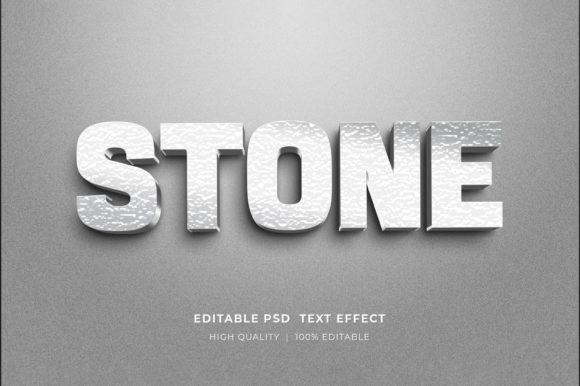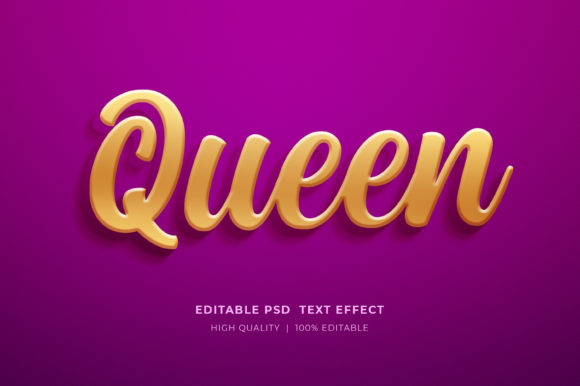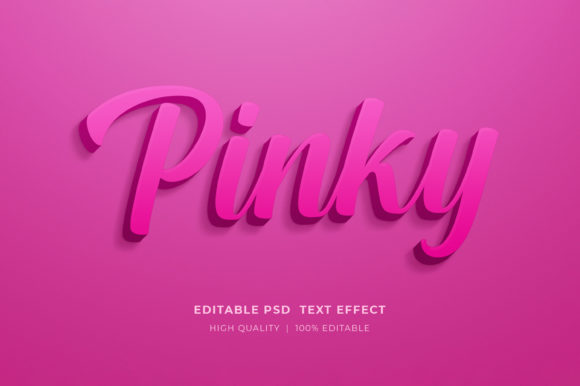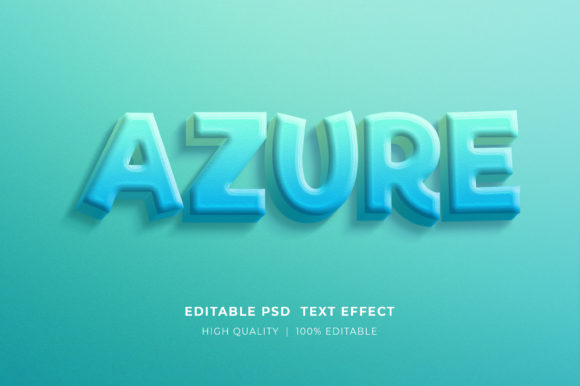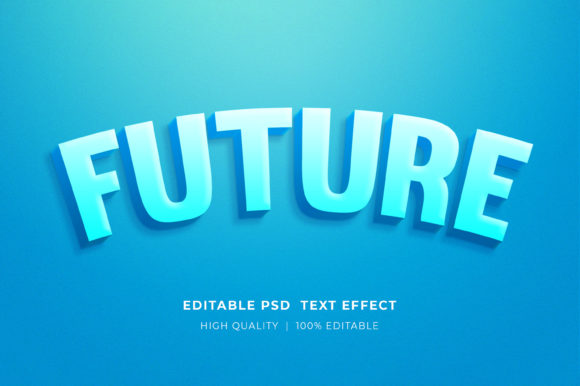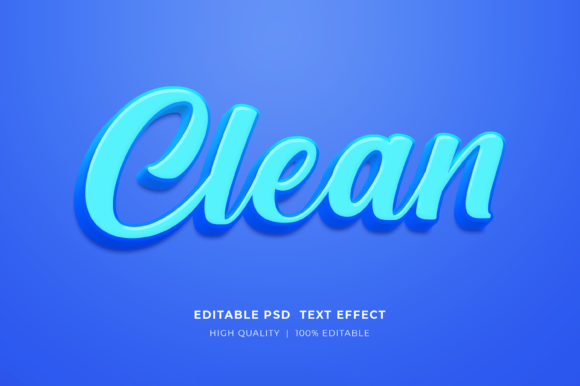
Mastering Visual Impact with Clean Editable Text Effect Mockups
In the fast-paced world of digital design, the ability to present typography with professional polish is often the difference between a concept that gets approved and one that gets overlooked. A Clean Editable Text Effect Mockup serves as a bridge between raw design files and client-ready presentations. Unlike standard flat text layers, these specialized resources allow designers to apply complex textures, lighting, and dimensional effects instantly. This capability is particularly valuable for professionals who need to iterate quickly without sacrificing visual fidelity.
Understanding how to leverage these tools effectively requires more than just knowing how to open a file. It involves recognizing when a pre-made effect enhances your workflow and when a custom approach might be necessary. This guide explores the utility of editable 3D text style effects, compares them to alternative methods, and provides practical advice on integrating them into various design projects.
Understanding the Value of Smart Object Technology
The core functionality of a high-quality text effect mockup lies in its use of Photoshop Smart Objects. This feature is what distinguishes a professional-grade template from a basic graphic. When you utilize a Clean Editable Text Effect Mockup, you are not merely pasting text onto a static image. Instead, you are interacting with a dynamic layer that preserves the original data and effects non-destructively.
The process is streamlined for efficiency. To change the text, logos, or icons, you simply double-click on the smart object layer. A new tab opens within Adobe Photoshop, presenting a clean canvas. Here, you select the type tool, click the existing placeholder text, and input your desired content. Once saved, the main document updates automatically, applying all shadows, gradients, and perspective shifts to your new text. This workflow eliminates the hours traditionally spent manually adjusting layer styles, blending options, and lighting effects.
Comparison: Mockups vs. Manual Layer Styles
Designers often debate whether to use pre-made mockups or build effects from scratch using layer styles. Both approaches have distinct tradeoffs.
- Manual Layer Styles: Building an effect from scratch offers total control. You can tweak every pixel of a drop shadow or adjust the angle of a bevel precisely. However, this method is time-consuming and requires a deep understanding of lighting physics and texture mapping. It is best suited for unique, one-off projects where no existing template fits the vision.
- Editables Mockups: These provide immediate results with consistent quality. The primary advantage is speed and consistency across multiple variations. While you may have less granular control over the underlying effect parameters, the tradeoff is a significant reduction in production time. For agencies handling high volumes of social media graphics or print templates, this efficiency is invaluable.
Versatility Across Design Mediums
One of the strongest arguments for incorporating an Editable 3D Text Style Effect Mockup into your resource library is its adaptability. These files are not limited to a single output format. Because they are typically delivered as high-resolution PSD files in RGB color mode, they can be scaled and adapted for a wide array of applications.
Consider the following use cases where these mockups excel:
- Digital Marketing Materials: Facebook timelines, Instagram posts, and web banners require eye-catching typography that stands out in crowded feeds. A 3D text effect adds depth that flat design often lacks, increasing click-through rates.
- Print Templates and Flyers: High-resolution outputs ensure that text remains crisp when printed on posters or flyers. The organized layer structure allows for easy color adjustments to match brand guidelines.
- Product Presentations: For Print-on-Demand (POD) businesses, showcasing a T-shirt design or a mug with realistic text effects helps customers visualize the final product. Similarly, KDP Book Cover designers can use these effects to create compelling titles that pop against background imagery.
- Logo Presentations: When pitching a logo concept, showing it in a realistic environment with proper lighting and texture helps clients understand its potential application. A clean text effect mockup can elevate a simple vector logo into a tangible brand asset.
Evaluating Quality and Usability Features
Not all mockups are created equal. When selecting a Clean Editable Text Effect Mockup, several technical features determine its usability and professional value.
Layer Organization: A well-organized file is crucial. Look for templates where layers are clearly named and grouped. This makes it easier to isolate specific elements, such as background textures or foreground highlights, if minor adjustments are needed. Chaotic layer structures can turn a quick edit into a frustrating troubleshooting session.
Resolution and Color Mode: Ensure the file is provided in high resolution, typically 300 DPI for print readiness, and in RGB color mode for digital versatility. While CMYK is standard for print, RGB files are more flexible for initial design and digital use, allowing for brighter, more vibrant effects that can be converted later if necessary.
Smart Object Integrity: The best mockups maintain the integrity of the smart object regardless of text length. Some lower-quality templates distort the effect if the new text is significantly longer or shorter than the placeholder. Premium options adjust scaling automatically or provide guidance on maintaining aspect ratios.
Practical Workflow: From Download to Deployment
Integrating these tools into your workflow is straightforward, but attention to detail ensures the best results. Most files are delivered in a compressed zipped format to reduce download size. To begin, you must extract the files. Simply right-click on the zip folder and select “Extract Here” to access the PSD files. Attempting to open the file directly from within the zip archive can lead to corruption or saving errors.
Once extracted, open the file in Adobe Photoshop. Locate the smart object layer, usually indicated by a small icon in the corner of the layer thumbnail. Double-click to enter the editing mode. Use the type tool to replace the text. If you are adding a logo or icon, ensure it is placed correctly within the smart object canvas before saving. Close the smart object tab and save the changes. Return to the main document to see the updated effect.
If you encounter issues, such as the text not updating or the effect appearing broken, check that you have saved the smart object properly. Also, verify that your font choices are compatible. Some effects rely on specific font weights or styles to render correctly. If the template includes a specific font, installing it may be necessary to replicate the preview exactly.
When to Choose Alternatives
While Clean Editable Text Effect Mockups are powerful, they are not a universal solution. There are scenarios where alternative approaches may be more appropriate.
If your project requires highly specific branding colors that deviate significantly from the mockup’s palette, manual adjustment might be faster than trying to recolor a complex effect. Additionally, if you need complete control over the geometry of the text—such as bending it around a complex 3D object that isn’t accounted for in the template—using dedicated 3D software or advanced Photoshop 3D tools might be necessary.
Furthermore, for web-based applications where file size is critical, rasterized mockup outputs may not be ideal. In such cases, CSS-based text effects or SVG animations might provide better performance and scalability, although they lack the photorealistic quality of a Photoshop mockup.
Making an Informed Decision
Choosing the right design resource depends on your specific needs, timeline, and skill level. A Clean Editable Text Effect Mockup is an excellent choice for designers who need to produce high-quality visual assets quickly. It is particularly beneficial for those who may not have advanced skills in lighting and texture creation but still need to deliver professional-grade work.
Before purchasing or downloading, consider the scope of your project. If you are creating a single, highly unique piece, building from scratch might offer more creative freedom. However, for recurring tasks like social media posts, product mockups, or standard marketing materials, the efficiency gained from using smart object templates is unmatched.
Always review the file specifications and user reviews if available. Look for comments regarding ease of use, layer organization, and customer support. A responsive creator who offers help through their profile page can be a valuable resource if you encounter technical difficulties. Rating products accurately also helps the community identify high-quality resources, encouraging creators to continue developing useful tools.
By understanding the strengths and limitations of these tools, you can integrate them strategically into your design process. Whether you are designing a T-shirt for a POD store, a cover for a KDP book, or a banner for a website, the right mockup can elevate your work and streamline your workflow. The key is to view these mockups not as shortcuts, but as professional instruments that enhance your creative capabilities.